Introduction To Script & Macros
The Sym3 platform allow write Macros and Script.
Macros are executed on the Editor. They are used to create and edit the project programmatically. Typical uses of Macros include:
- Import and create equipment from external sources
- Automatically generate tags and alarms for existing equipment
Macros are stored on the disk as external file and are NOT included in the project.
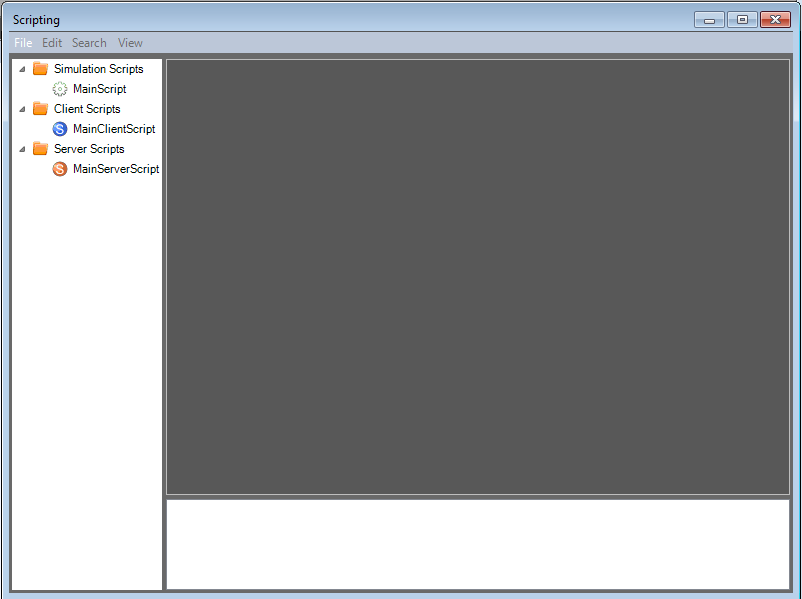
Script are executed on the Client and Server during runtime. They are used to perform actions on either the client or the server on reception of user input or events. There are three types of Scripts:
- Simulation Scripts: are used to perform actions on the 3D equipment on the server, and in particular process real time messages from external devices and manage products. Simulation scripts are coded in JavaScript with an API limited to Sym3 API.
- Client Scripts: are used to perform complex actions on user inputs (eg. set tag values, print screens, connect to a Data Base, manage the visual properties of products when doing Product Tracking). Client Scripts are coded in JavaScript with access to the complete .NET API.
- Server Scripts: are similar to Client scripts but run on the server. They are typically executed on triggers (eg. tag value change). Server Scripts are coded in JavaScript with access to the complete .NET API.